
Qibla Compass
The Qibla Compass turns your phone into a live, rotating compass that always points toward the Kaaba — no typing coordinates, just turn and go.
Runs entirely in your browser. No account, no app install, no location data ever leaves your device.
Open the Qibla Compass ↓
Open Your Live Qibla Compass
Tap to allow location and, on phones, motion sensor access.
No sensor? Enter coordinates manually
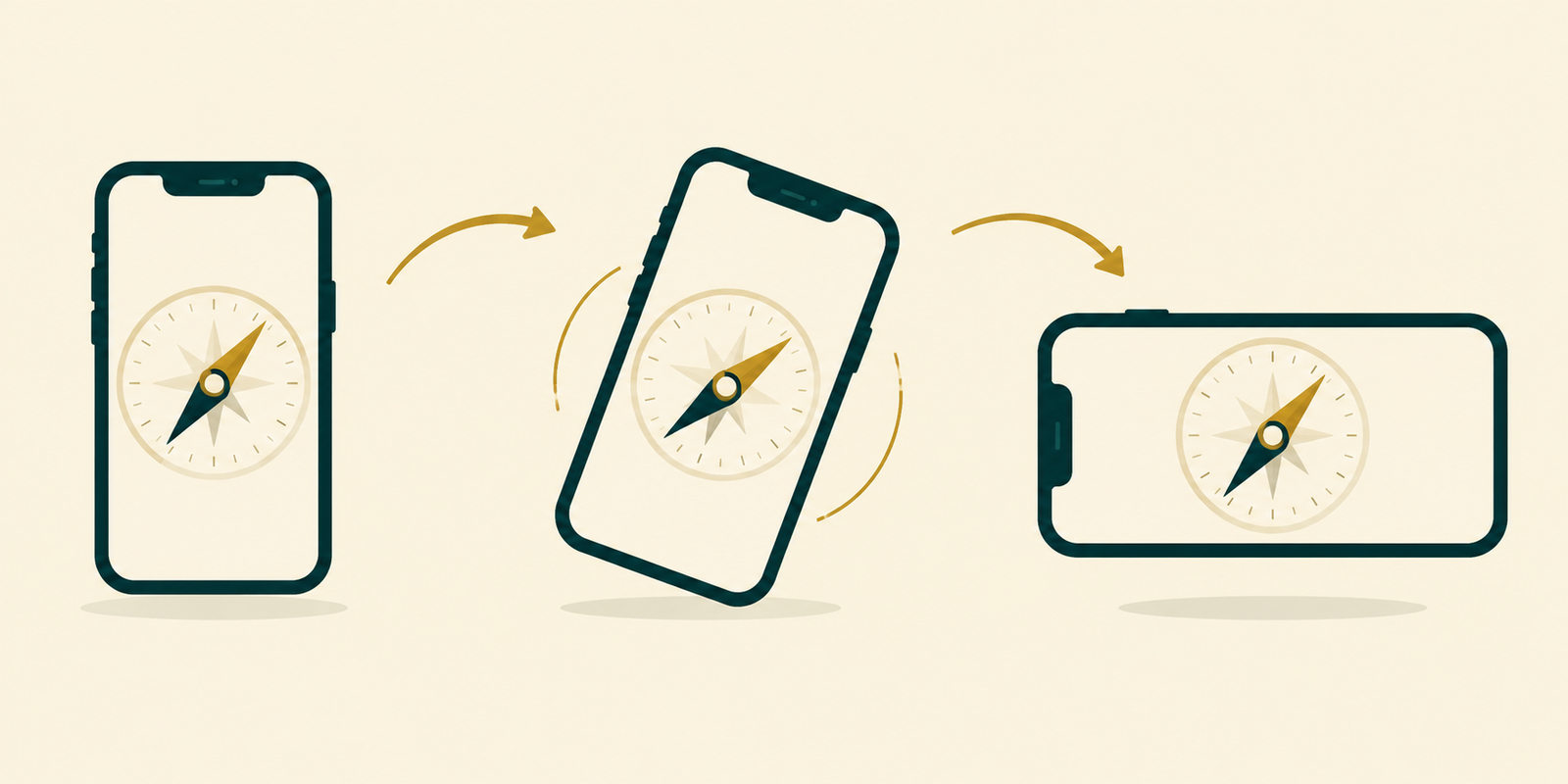
Hold your phone flat and turn slowly until the Kaaba icon lines up with the arrow at top.
| Qibla Bearing | — |
| Compass Direction | — |
| Distance to Makkah | — |
What Is a Qibla Compass?
A Qibla Compass is a live, sensor-driven version of a Qibla finder: instead of reading a one-time bearing off a screen, you hold your phone and watch a dial rotate in real time as you turn, until it points at the Kaaba. This Qibla Compass combines your device’s location with its built-in heading sensor so the marker tracks your movement continuously.
It’s the difference between being told a number and being shown exactly where to stand — useful the moment you walk into an unfamiliar room and need to orient yourself for Salah.
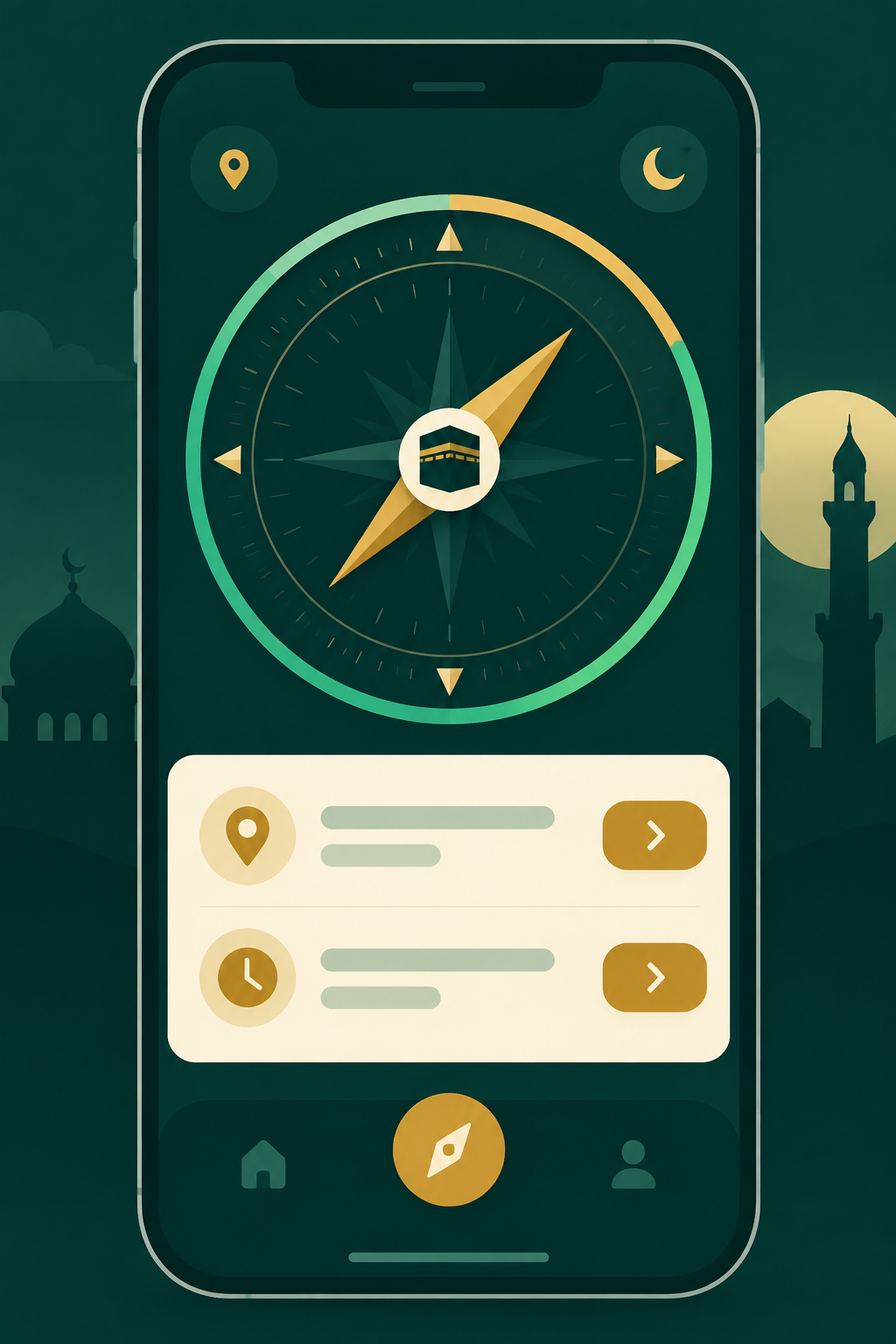
How This Qibla Compass Works
- One tap starts everything. Tapping “Start Qibla Compass” requests your location and, on supported phones, permission to read the motion sensor — in a single step.
- Calculate the bearing. The engine computes the great-circle bearing from your coordinates to the Kaaba (21.4225°N, 39.8262°E) using standard spherical trigonometry.
- Read your live heading. The device’s compass sensor reports which way your phone is physically facing, updated many times per second.
- Rotate the dial. The Qibla Compass subtracts your heading from the bearing so the Kaaba icon always shows the correct real-world direction, no matter which way you turn.
- Watch the calibration light. A status dot warns you if the sensor reading looks unreliable (common near metal objects or magnets) so you know when to re-calibrate.
What Should a Qibla Compass Include?
- A live-updating dial, not just a static one-time bearing
- A calibration or accuracy indicator, since phone compasses can be thrown off by nearby metal or magnets
- A graceful manual fallback for desktop computers with no heading sensor
- A numeric bearing shown alongside the visual dial, for double-checking
- Clear on-screen guidance for holding the phone flat while turning
- A way to save or print the numeric result for offline reference
Worked Example
Here’s what the Qibla Compass shows for a few starting points before you even turn your phone:
| City | Qibla Bearing | Direction | Distance to Makkah |
|---|---|---|---|
| Karachi, Pakistan | ~267° | West | ~3,100 km |
| Jakarta, Indonesia | ~295° | West-Northwest | ~7,900 km |
| Toronto, Canada | ~55° | Northeast | ~10,300 km |
Once the dial loads, simply turn until the Kaaba icon sits under the top arrow.
Who Uses a Qibla Compass?
On-the-Go Worshippers
Airports, offices, hotel rooms — anywhere a quick physical turn beats reading a number.
Campers & Hikers
No signal needed once the page has loaded and location is set.
New Muslims
A hands-on, visual way to learn what “facing the Qibla” physically feels like.
Group Trip Leaders
Quickly orient a room of travelers without everyone needing their own app.
Best Practices for a Reliable Compass Reading
Phone magnetometers are sensitive to nearby metal, magnets, and even some phone cases, so a live Qibla Compass can occasionally drift. Hold the device flat and away from your body, and if the calibration indicator turns amber or red, move away from metal furniture and gently wave the phone in a figure-eight motion, which is the standard recalibration gesture documented in the Qibla reference entry and used across most compass apps. For permanent installations like a mosque mihrab, always confirm with a proper site survey rather than a phone sensor alone.
Common Mistakes to Avoid
- Using the compass near speakers, laptops, or metal desks, which distort the magnetic reading
- Holding the phone at a steep tilt instead of flat, which most compass sensors assume
- Ignoring a red/amber calibration warning and trusting the reading anyway
- Expecting a live compass to work the same way on a desktop browser with no motion sensor
Frequently Asked Questions
What is a Qibla Compass and how is it different from a static Qibla finder?
A Qibla Compass uses your phone’s live heading sensor to rotate a dial in real time as you turn, so you can physically orient yourself, rather than just reading a fixed bearing number off the screen.
Why does it ask for motion sensor permission?
Reading your phone’s live heading requires access to its motion and orientation sensors. Browsers require explicit permission for this, especially on iPhone, which is why tapping “Start Qibla Compass” triggers a one-time prompt.
What does the calibration indicator mean?
It’s a rough signal of how reliable the current heading reading is. Green means the sensor is reporting a stable heading; amber or red suggests interference from nearby metal or magnets, and you should try recalibrating.
Does this tool track or store my location?
No. Your coordinates and heading are used only inside your browser to run the calculation and are never sent to a server or stored anywhere.
Is this tool AI-powered?
No — this Qibla Compass runs a deterministic, rule-based spherical trigonometry engine locally in your browser combined with your device’s own sensor data. There is no AI model and no API key involved. A secure backend service could be connected in the future for additional features.
What if my computer doesn’t have a compass sensor?
Use the “Enter coordinates manually” option to get a static numeric bearing and direction without needing a live sensor.
Related Reading
Turn, Align, Pray
Open the Qibla Compass above, tap Start, and let your phone show you exactly where to face.
Open the Qibla Compass Now