
Quran Page Finder
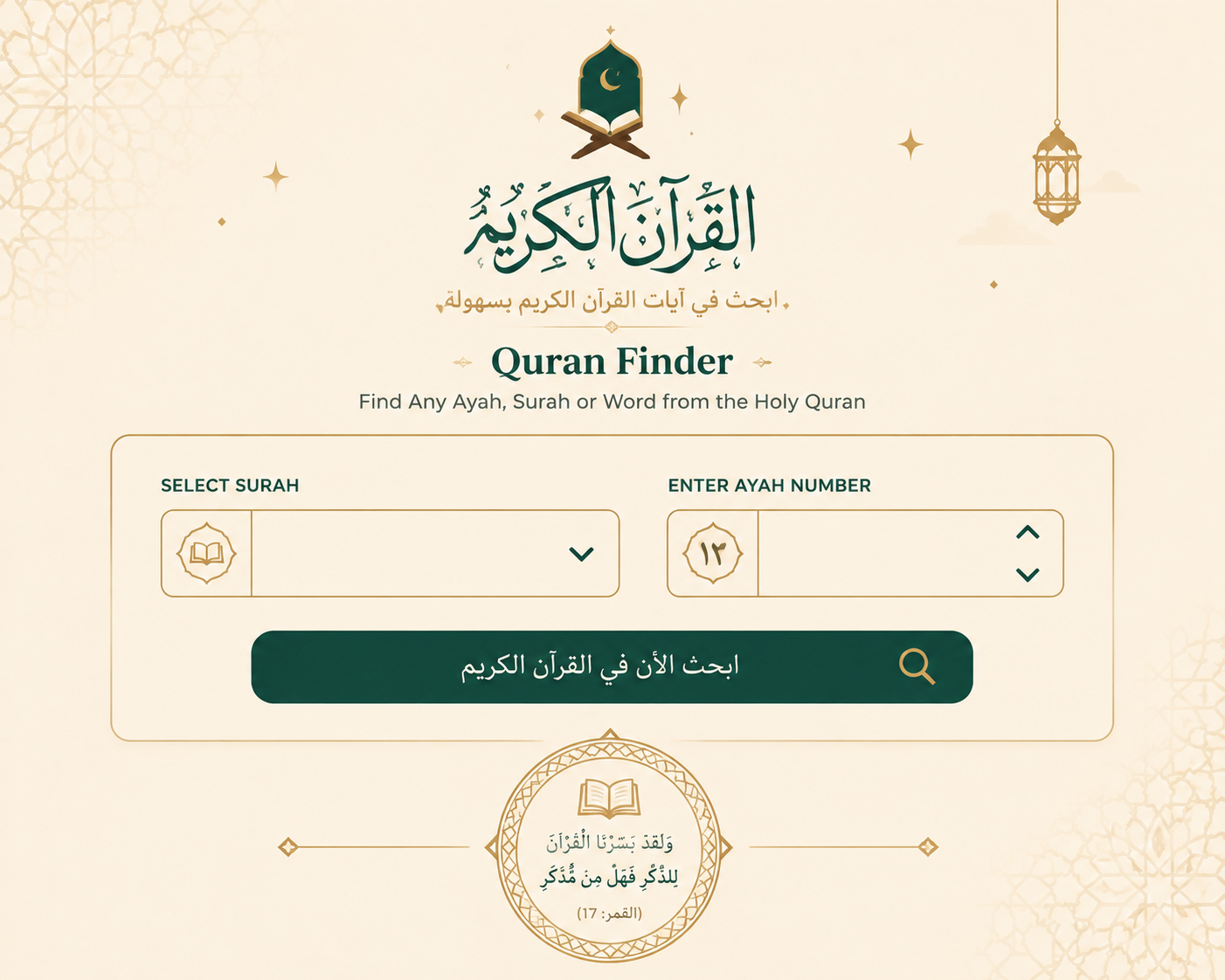
Type any Surah and Ayah and this Quran Page Finder instantly shows the exact Mushaf page, Juz, and Hizb it falls on — matched to the standard 604-page Madani layout used in print copies worldwide.
- No Sign-Up
- 604-Page Madani Standard
- Instant Results
- Works on Mobile
- Free Forever
Runs entirely in your browser — no account, no data sent anywhere.

Find your page in the Mushaf
Search by Surah and Ayah to find the page, or flip it around and look up what’s printed on a given page. This Quran Page Finder uses the same pagination as the standard 604-page Madani Mushaf, so the page number matches the printed copy on your shelf.
What is a Quran Page Finder?
A Quran Page Finder is a lookup tool that converts a Surah and Ayah reference into the printed page number of the Mushaf — the physical copy of the Quran most people study from. Because different regional printings paginate the text differently, a Quran Page Finder needs to be built around one specific, well-documented layout rather than guessing.
This Quran Page Finder is built on the King Fahd Complex 15-line Madani Mushaf, the 604-page layout used in the Haramayn (Makkah and Madinah) and reprinted by publishers worldwide. Every calculation — page, Juz, Hizb, and quarter — is derived from the verified verse-to-page boundaries of that specific edition, so results match a physical copy line for line.
-
Under the Hood
-
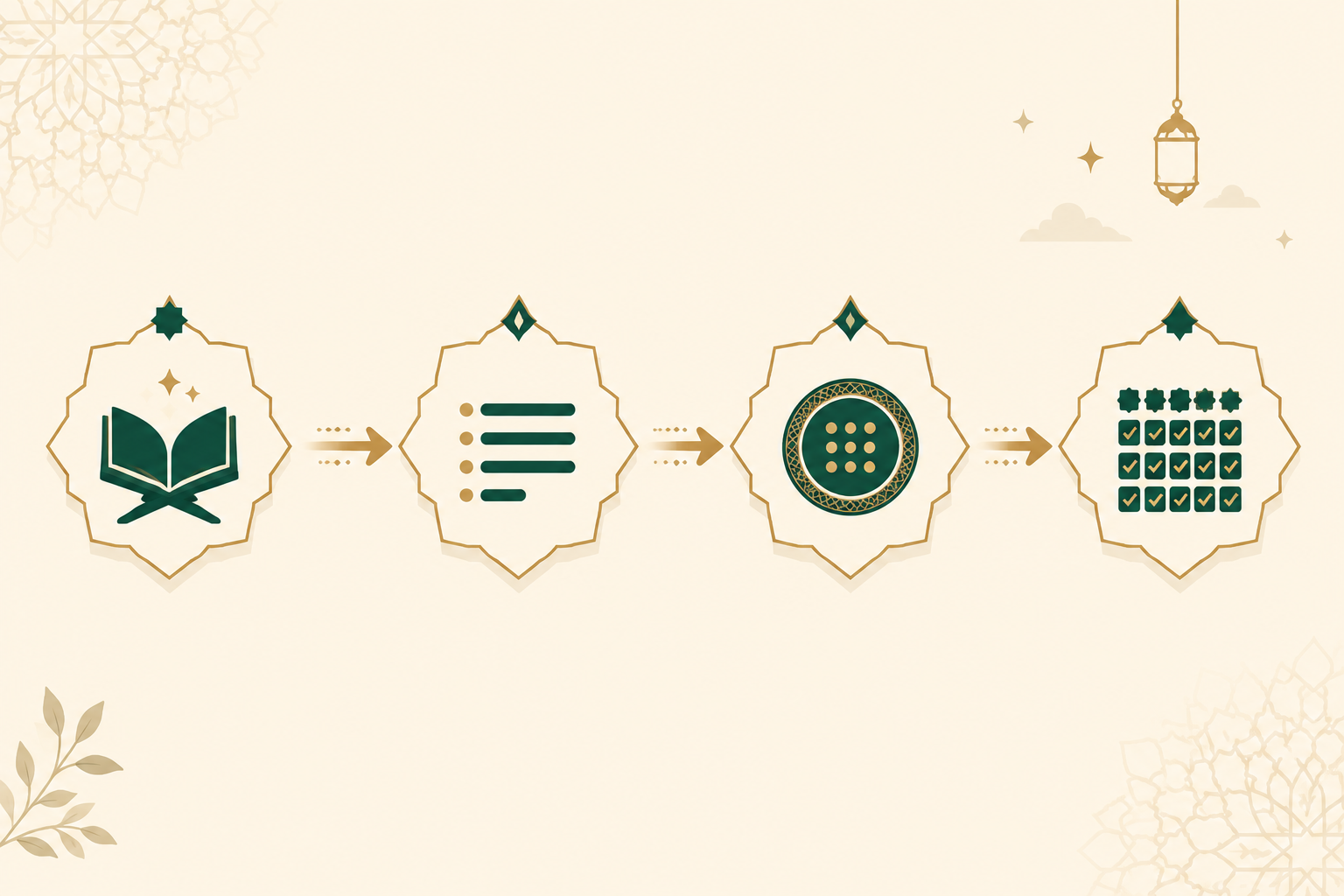
Pick a Surah and Ayah
Choose any of the 114 surahs and enter an ayah number, or switch modes and enter a page number directly.
-
The tool converts it to an absolute verse position
Every ayah in the Quran has a fixed position from 1 to 6,236. The Quran Page Finder adds up the ayat in every preceding surah to find that position instantly.
-
It matches that position against the page map
A verified table of where each of the 604 pages begins is checked against the verse position to find the exact page.
-
Juz, Hizb, and quarter are read from the same map
The same lookup method finds which of the 30 Juz, 60 Hizb, and 240 quarters (Rub’ al-Hizb) that verse belongs to — all in one pass, all locally in your browser.
How this Quran Page Finder works
What should a Quran Page Finder include?
- A recognised pagination standard — results should be tied to one named Mushaf layout (like the 604-page Madani standard), not an arbitrary internal count.
- Two-way lookup — Surah & Ayah to page, and page back to Surah & Ayah, so the tool works whichever direction someone starts from.
- Juz and Hizb context — a page number alone rarely tells a student where they are in their memorization plan; Juz and Hizb do.
- Sajdah flags — a note when a page contains a verse of prostration, since that changes how the page is recited.
- Exportable results — copy, print, or download so a teacher can drop a reference straight into a lesson plan.
- No dependency on a live connection — once loaded, page lookups should not need to call an external service.
Five real lookups from the Quran Page Finder
A quick reference showing how the Quran Page Finder resolves well-known verses — useful for sanity-checking the tool against a printed Mushaf you already own.
| Reference | Verse | Page | Juz |
|---|---|---|---|
| 2:255 | Ayat al-Kursi | 42 | 3 |
| 18:1 | Opening of Surah Al-Kahf | 293 | 15 |
| 36:1 | Opening of Surah Yasin | 440 | 22 |
| 55:1 | Opening of Surah Ar-Rahman | 531 | 27 |
| 114:6 | Final ayah of the Quran | 604 | 30 |
Who uses a Quran Page Finder
Hifz & memorization students
Jump straight to a page to continue a memorization plan, or confirm which Juz a newly memorized passage belongs to.
Quran teachers & halaqah leaders
Reference an exact page number when setting homework or planning which portion a class will cover next.
New Muslims & beginner readers
Get comfortable with how the printed Mushaf is organized before navigating a physical copy unaided.
Developers & content builders
Use the worked examples and page-boundary logic as a reference when building Quran-related apps or lesson tools.
Getting the most out of a Quran Page Finder
- Confirm which Mushaf edition you actually own — most printed copies worldwide follow the 604-page Madani standard, but some regional prints (such as Indo-Pak 15-line editions) use different page counts.
- Use the Juz and Hizb output, not just the page number, when tracking a memorization schedule — Hizb-based goals are easier to plan around than raw page counts.
- Cross-check a handful of well-known verses (like the worked examples above) against your own physical Mushaf the first time you use any Quran Page Finder, digital or otherwise.
- When teaching, pair the page number with the sajdah flag so students know in advance if a prostration verse falls on the page they’re reading.
Mushaf pagination and the 15-line Madani standard referenced here are maintained by the King Fahd Complex for the Printing of the Holy Quran, the official body responsible for this layout.
Common mistakes when looking up a Quran page
Assuming every printed Quran has 604 pages
Indo-Pak and some other regional prints use a 610-page, 15-line layout with different verse-per-page breaks — page numbers won’t match a Madani-standard Quran Page Finder.
Confusing Juz with Hizb
A Juz is one of 30 roughly equal parts; a Hizb is half a Juz. Memorization plans built around one won’t line up neatly with the other.
Ignoring the page range, not just the start
An ayah’s page is only the beginning — check the full Surah:Ayah range shown for that page so you know exactly where the page ends too.
Skipping the sajdah check
Missing a sajdah flag on a page can mean skipping a prostration verse entirely during recitation or class.
Quran Page Finder — frequently asked questions
What Mushaf layout does this Quran Page Finder use?
It uses the 604-page, 15-line Madani Mushaf standardized by the King Fahd Complex for the Printing of the Holy Quran — the layout most commonly found in print worldwide, including copies distributed in the Haramayn.
Can the Quran Page Finder look up a page number instead of a Surah and Ayah?
Yes. Switch to “By Page Number” mode, enter any page from 1 to 604, and the tool shows the full Surah and Ayah range printed on that page, along with its Juz and Hizb.
Does this Quran Page Finder need an internet connection to work?
Only to load the page the first time. Once loaded, every lookup runs locally in your browser using a fixed page-boundary dataset — no data is sent anywhere and no external API is called.
Why does my physical Quran show a different page number?
Your copy may use a different pagination standard, such as the 610-page Indo-Pak layout. This Quran Page Finder is calibrated specifically to the 604-page Madani standard, so results will differ from editions built on another layout.
Is this Quran Page Finder free to use?
Yes, it’s completely free with no sign-up, and there are no plans to put it behind a paywall.
What does the “quarter” number in the results mean?
Each Hizb (half-Juz) is divided into four quarters, known as Rub’ al-Hizb, marked in most printed Mushafs by small symbols in the margin. The Quran Page Finder shows which of those four quarters your verse falls in.
Related reading
Find your page, then keep reading
Use the Quran Page Finder above to locate any Surah and Ayah, then read straight through on IslamicEduHub — free, with no sign-up required.
Try the Quran Page Finder →